

Modern video production teams are under increasing pressure to deliver more content across multiple platforms, often within shorter timelines. Video editors work on a wide range of content, from marketing campaigns to training videos. One common challenge is finding the right footage, graphics, and audio without disrupting the editing process.
Adobe Stock Helps Video Teams Speed Up Content Production in Premiere Pro
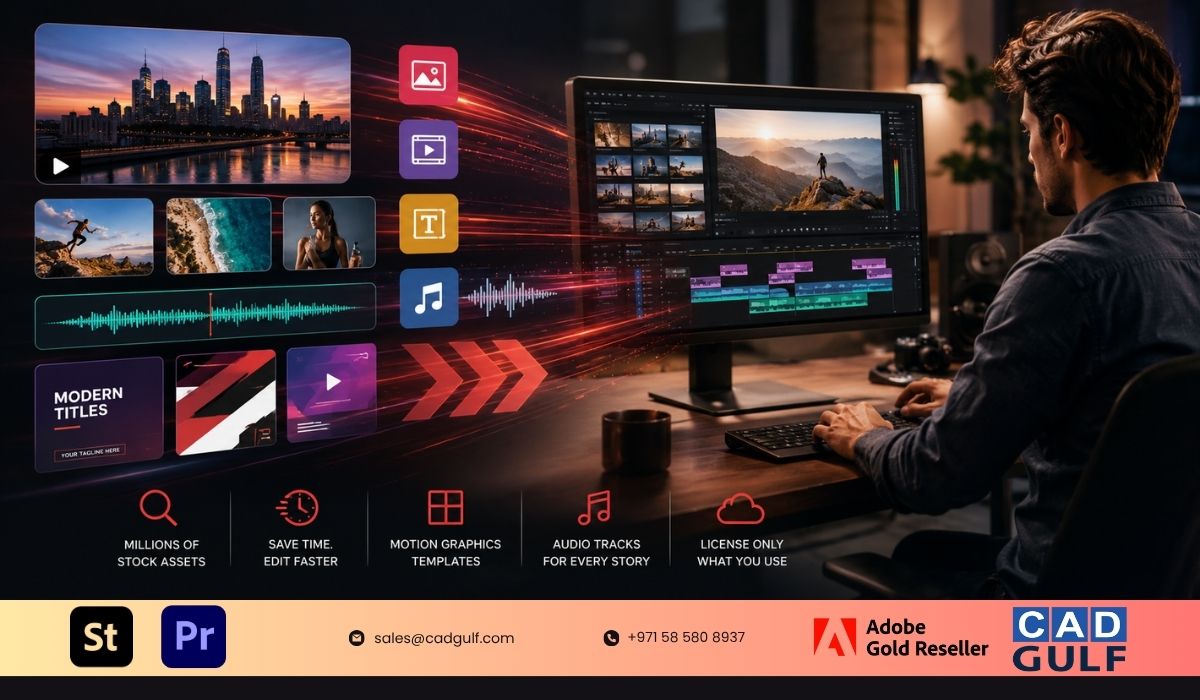
Adobe Stock is helping address this challenge by bringing stock content directly into the video editing workflow. Integrated with Adobe Premiere Pro, Adobe Stock lets editors find and license creative assets without leaving the application.
The integration reflects a broader trend toward connected creative workflows, where content creation, asset management, and collaboration happen within a single ecosystem.
Stock Content Moves Closer to the Editing Process
For many editors, finding stock footage often means switching between websites, downloading files, and importing them into projects. This process can consume valuable production time, especially when deadlines are tight.
Adobe Stock reduces many of these steps by providing direct access to millions of royalty-free assets from within Premiere Pro. Editors can browse footage, audio tracks, images, and motion graphics templates through a dedicated panel and immediately test them within their projects.
Rather than licensing assets upfront, teams can work with preview versions throughout the editing process and only purchase the assets that remain in the final production. This approach allows creative teams to experiment more freely while maintaining control over licensing costs.
Growing Demand for High-Quality Video Assets
As demand for video content grows, organizations are looking for faster ways to create professional-quality videos.
Adobe Stock’s collection includes HD and 4K footage covering business, technology, lifestyle, education, healthcare, architecture, and other industries. The availability of high-resolution content provides editors with greater flexibility when adapting projects for different screen formats.
For example, a single 4K clip can often be repurposed for widescreen, square, and vertical formats while maintaining image quality. This flexibility has become particularly important as businesses create content for websites, social platforms, digital advertising, and mobile applications simultaneously.
Motion Graphics Templates Support Faster Branding
Motion graphics continue to play a major role in modern video production. Titles, lower-thirds, promotional banners, transitions, and branded animations help organizations create a more polished viewing experience.
Adobe Stock offers a growing library of Motion Graphics Templates (MOGRTs) that can be installed directly within Premiere Pro. These templates allow editors to customize text, colors, fonts, logos, and other branding elements without requiring advanced animation skills or separate motion design resources.
For marketing teams managing multiple campaigns, reusable templates can help maintain brand consistency while reducing production effort.
The ability to save and share templates across teams also supports collaboration, particularly for organizations operating across multiple departments or locations.
Audio Licensing Becomes Part of the Workflow
Music selection often becomes one of the final steps in a project, but it can significantly influence audience engagement and overall production quality.
Adobe Stock Audio enables editors to discover and preview music tracks directly inside Premiere Pro. Editors can filter tracks by mood, genre, tempo, and duration, allowing them to evaluate music choices within the context of the project.
Once licensed, preview tracks are automatically replaced with high-quality audio files while preserving timeline placement and edits. This helps eliminate additional manual steps during final project preparation.
Simplifying Asset Management and Licensing
One of the notable aspects of Adobe Stock’s integration is its licensing workflow. Instead of requiring immediate purchases, teams can build complete edits using watermarked preview assets and license only the content included in the final approved version.
When a project reaches completion, assets can be licensed directly from the timeline, with Adobe automatically replacing preview files with the licensed versions. Existing cuts, effects, color adjustments, and positioning remain intact.
This workflow aligns with how many creative teams operate today, where projects often undergo multiple review cycles before final approval.
Creative Workflows Continue to Evolve
As organizations increase investment in digital content, the need for efficient production workflows is becoming increasingly important. Integrated platforms that combine editing tools, stock content, collaboration features, and licensing management are helping teams reduce complexity while maintaining creative flexibility.
Adobe Stock’s deep integration with Premiere Pro reflects this shift toward unified creative environments. By bringing footage, graphics, and audio assets directly into the editing process, the platform aims to help content creators spend less time managing assets and more time focusing on storytelling and production quality.
For businesses, agencies, and creative professionals looking to accelerate video production, Adobe Stock represents an increasingly valuable component of the broader Adobe Creative Cloud ecosystem.
About CAD Gulf LLC
As an Adobe Gold partner in the UAE, CAD Gulf helps organizations access Adobe Creative Cloud solutions, including Adobe Stock, Adobe Acrobat Pro, Adobe Express, and other creative productivity tools. We supports businesses across design, marketing, media, architecture, engineering, education, and enterprise sectors with software licensing, implementation guidance, and technical support.